The right tool for the database
Using gbak in the Firebird flow aligns the protection process with how the database engine actually works.
Kladim uses a gbak-based backup flow for Firebird databases. Once the database output is ready, it's encrypted with KLD2, verified for integrity, and moved to the cloud securely.
 Firebird
gbak-based backup
Firebird
gbak-based backup
 KLD2 protectionFirebird output → KLD2✓
Accounting, ERP ve sektörel masaüstü uygulamalarında Firebird çoğu zaman arka planda çalışır. Kladim bu kaynağı sıradan bir dosya kopyası olarak değil, gbak ile hazırlanması gereken bir veritabanı olarak ele alır.
Using gbak in the Firebird flow aligns the protection process with how the database engine actually works.
The required Firebird tool is searched for in known installation paths and on the system PATH.
The Windows Service architecture can run scheduled tasks without depending on an open user session.
Each stage becomes a backup experience that tells you what it's doing and keeps the result visible.
Add the protection source with the server, database path and connection details.
Kladim creates a portable backup output using Firebird's own gbak tool.
The output is encrypted in KLD2 format and its checksum is calculated before transfer.
Once the upload completes, the restore point and the result become visible in the interface.
Track which source is protected, what stage the backup is at, and previous restore points from a clear interface.
Try this flow in the demo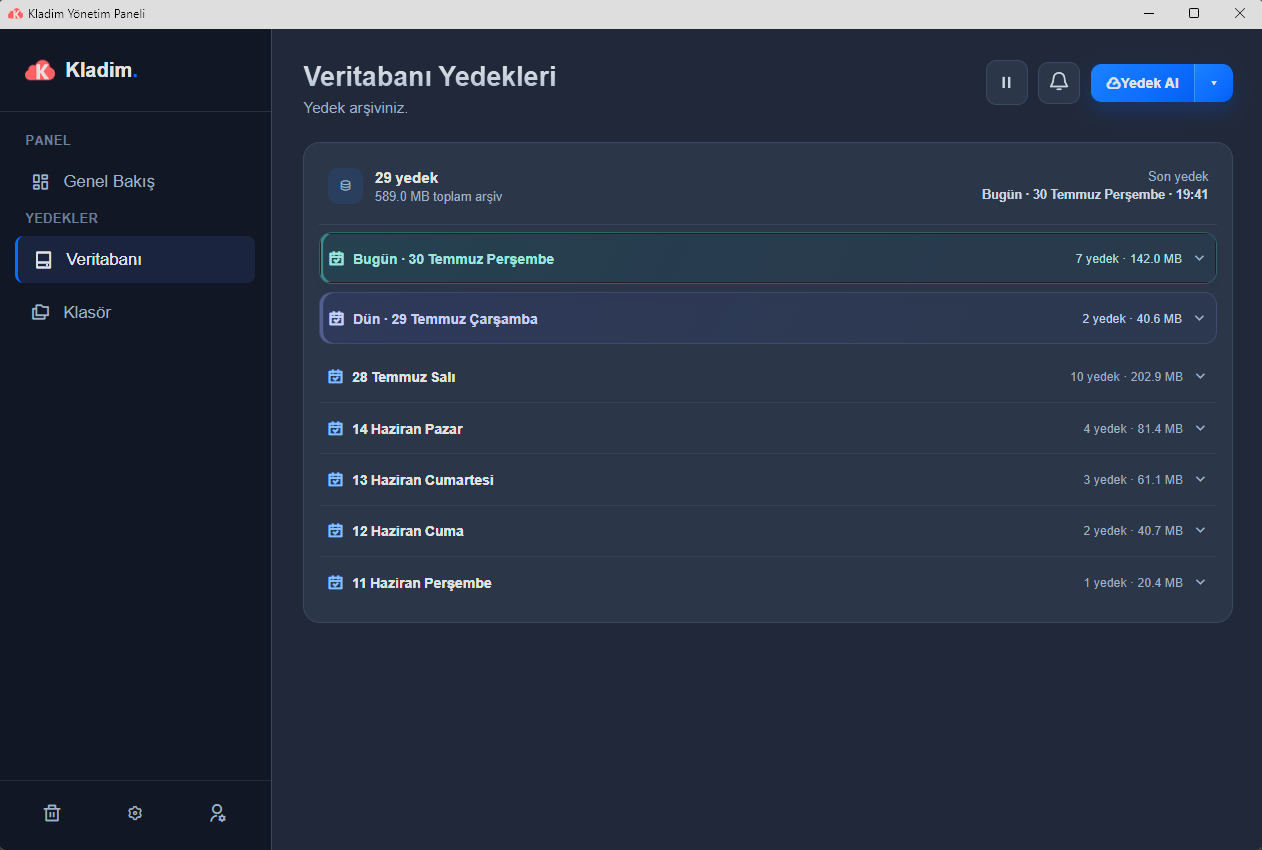
For the Firebird database, an output is prepared using the engine's own gbak approach.
The preparation, encryption, upload and completion stages can be communicated to the user with clear statuses.
Even if no user is signed in, the Windows Service can keep its scheduled backup task running.
We explain the technical details without hiding them behind marketing language, in the way Kladim actually works.
A gbak-based backup flow is used for Firebird databases. The resulting output enters Kladim's KLD2 protection and cloud upload process.
No. Kladim treats the Firebird source not as an ordinary file copy, but as a database whose backup output needs to be prepared through gbak.
The relevant tool is required to prepare the Firebird backup output. Kladim looks for the tool in known installation paths and on the PATH.
Yes. Kladim's service layer is designed to run independently of the user interface.
Explore how Kladim protects other data sources in their own technical context.
Turkey's homegrown digital fortressTry the real interface first, then choose the Kladim plan that fits your needs.


