Each database is tracked separately
An error in one database doesn't hide the results of the others; success, partial success and failure can be reported per source.
Kladim, SQL Server’ın yerel yedekleme mekanizmasını kullanarak veritabanınızı hazırlar; oluşan yedeği KLD2 protectionndan geçirir ve buluta güvenli parçalar hâlinde taşır. Kullanıcı oturumu kapansa bile Windows Service görevini sürdürür.
 SQL Server
Native SQL Server backup mechanism
SQL Server
Native SQL Server backup mechanism
 KLD2 protectionSQL backup → KLD2✓
SQL Server data isn't treated like an ordinary folder. Kladim first creates a consistent output using SQL Server's own backup mechanism, then manages compression, KLD2 encryption and verifiable upload stages.
An error in one database doesn't hide the results of the others; success, partial success and failure can be reported per source.
If the connection drops, completed chunks aren't resent; the transfer resumes from the missing parts.
The backup engine keeps running as a Windows Service even if RDP closes, the user signs out, or the interface is closed.
Each stage becomes a backup experience that tells you what it's doing and keeps the result visible.
Define the connection in Kladim and choose the databases to protect.
The backup output to be moved to the cloud is created with SQL Server's native mechanism.
The backup passes through key derivation, encryption and integrity verification layers.
Chunked transfer preserves progress through interruptions and records the result on completion.
The Kladim interface shows which database was backed up when, what stage the process is in, and past restore points, all in one flow.
Try this flow in the demo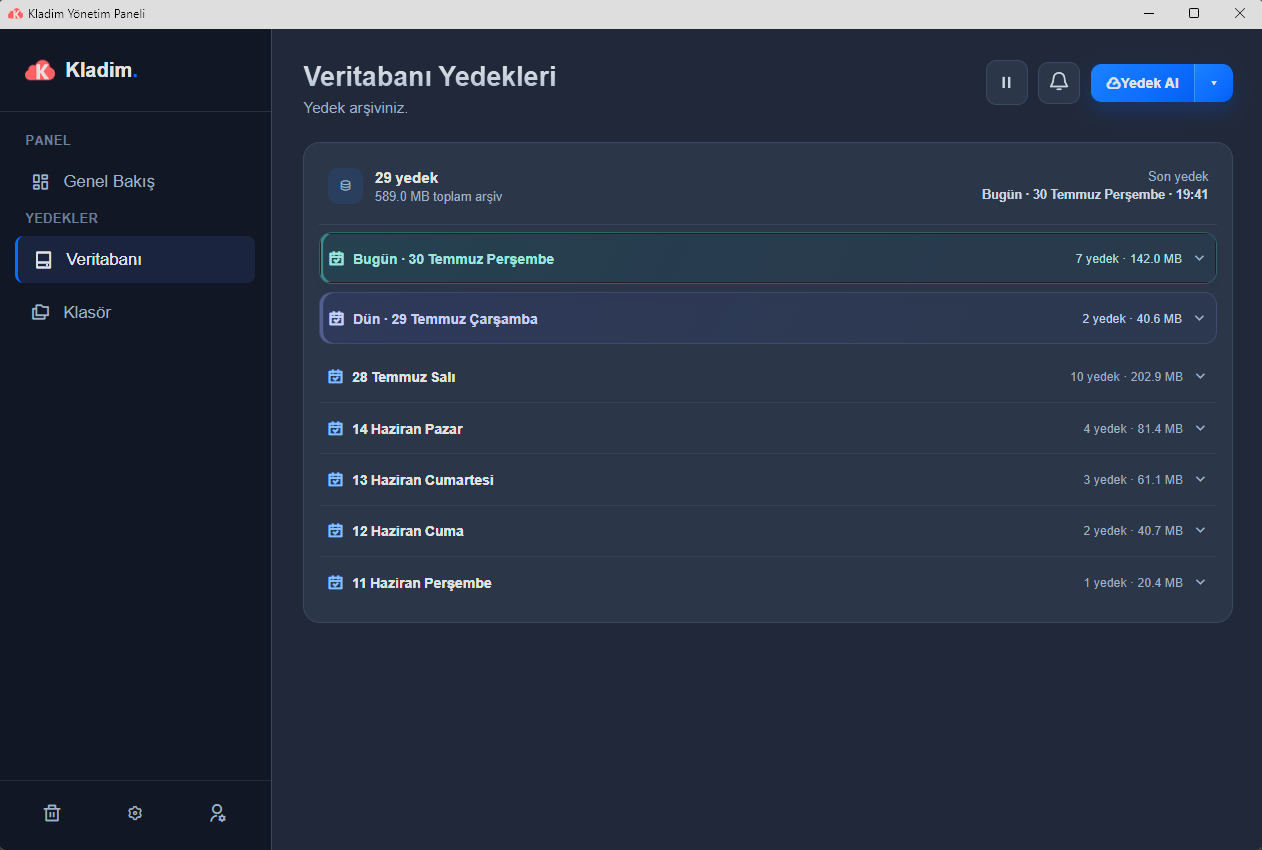
Çoklu veritabanı işlerinde her kaynağın sonucu ayrı değerlendirilir; sorunlu veritabanı diğer successful backupsleri görünmez kılmaz.
SHA-256-based session identity and chunk verification preserve previously completed transfer parts.
If the computer is off at the scheduled time, the service can evaluate the day's status at startup and apply safe catch-up behavior.
We explain the technical details without hiding them behind marketing language, in the way Kladim actually works.
No. For SQL Server, a backup output is prepared using the database engine's native backup mechanism; this output then enters Kladim's protection and transfer flow.
Kladim's backup engine runs as a Windows Service. User sign-out, an RDP session closing, or the interface being closed doesn't stop the running service.
Kladim checks completed chunks with the server and sends only the missing ones. Previously transferred data isn't needlessly re-uploaded from scratch.
Yes. The databases defined in your account are processed separately, and their results can be reported per source.
Explore how Kladim protects other data sources in their own technical context.
Turkey's homegrown digital fortressTry the real interface first, then choose the Kladim plan that fits your needs.


