No external dump tool is required
The SQLite flow runs inside the Kladim service; it doesn't need a separately installed command-line tool.
Kladim copies SQLite sources in-process using the Microsoft.Data.Sqlite online backup API. It doesn't look for a separate dump tool — it turns the database file into a backup copy suited to the protection flow.
 SQLite
Microsoft.Data.Sqlite online backup API
SQLite
Microsoft.Data.Sqlite online backup API
 KLD2 protectionIn-process copy → KLD2✓
Even though SQLite lives in a single file, an ordinary copy approach while the app is running may not give the right result. Kladim creates an in-process copy through the Microsoft.Data.Sqlite online backup API.
The SQLite flow runs inside the Kladim service; it doesn't need a separately installed command-line tool.
SQLite sources in local desktop applications and file-based systems are managed as their own databases.
Whatever its size, the output is included in the KLD2 encryption, integrity and cloud history layers.
Each stage becomes a backup experience that tells you what it's doing and keeps the result visible.
Define the path of the database file to protect in Kladim.
The Microsoft.Data.Sqlite API transfers the database into a backup copy in-process.
Oluşan kopya KLD2 protectionyla açık hâlinden ayrıştırılır.
The completed process is recorded as a restore point in the history and notification layer.
Track the source's last backup time, the process result, and previous restore points in the same interface as your other enterprise databases.
Try this flow in the demo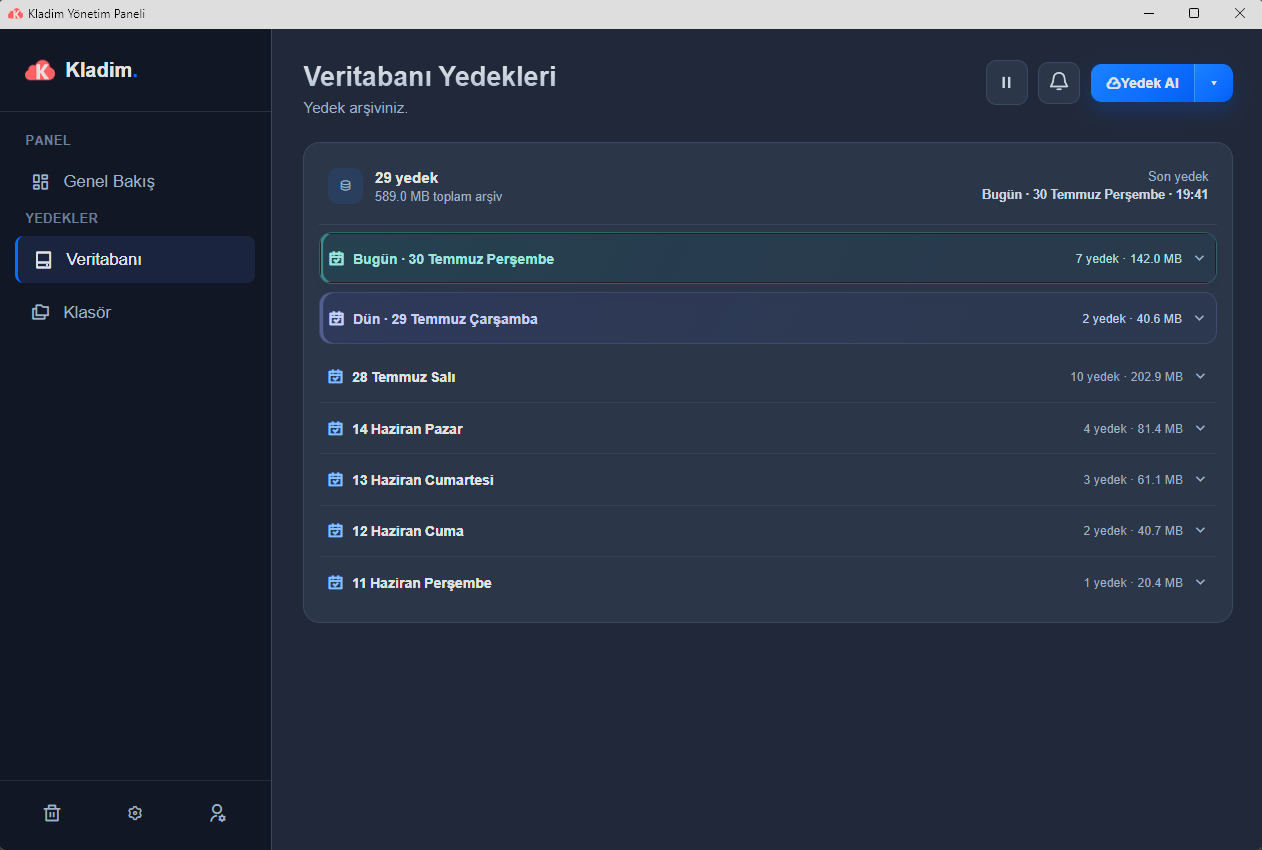
SQLite backup doesn't require an external dump application or separate tool-path configuration.
Kladim doesn't treat the SQLite source as a blind, OS-level file copy.
Lightweight application data shares the same backup visibility as other sources like SQL Server or PostgreSQL.
We explain the technical details without hiding them behind marketing language, in the way Kladim actually works.
No. Kladim creates the SQLite backup within the service process using the Microsoft.Data.Sqlite online backup API; it doesn't need an external dump tool.
Instead of an ordinary file copy, Kladim creates an in-process backup copy using SQLite's online backup API approach.
Yes. The prepared SQLite backup copy is placed under the KLD2 encryption and integrity layer, just like other sources.
Yes. Supportlenen farklı veritabanı türleri ve klasör kaynakları aynı Kladim protection deneyiminde bir arada yönetilebilir.
Explore how Kladim protects other data sources in their own technical context.
Turkey's homegrown digital fortressTry the real interface first, then choose the Kladim plan that fits your needs.


